
Planning & Strategy
5 Whys Root Cause Analysis Template
By RP Hobbyist · Updated
The 5 Whys is a root cause analysis technique made popular by the Toyota Production System. You state a problem, ask why it happened, then ask why again about that answer, usually about five times, until you reach a cause that would stop the problem from coming back if you fixed it. It is quick, needs no statistics, and works for manufacturing defects, software incidents and everyday process problems.
This template is a single chain from Problem through Why #1 to Why #4 and a Root Cause node. Because it is a mind map, you can branch any level when a question has more than one answer and follow each path separately.
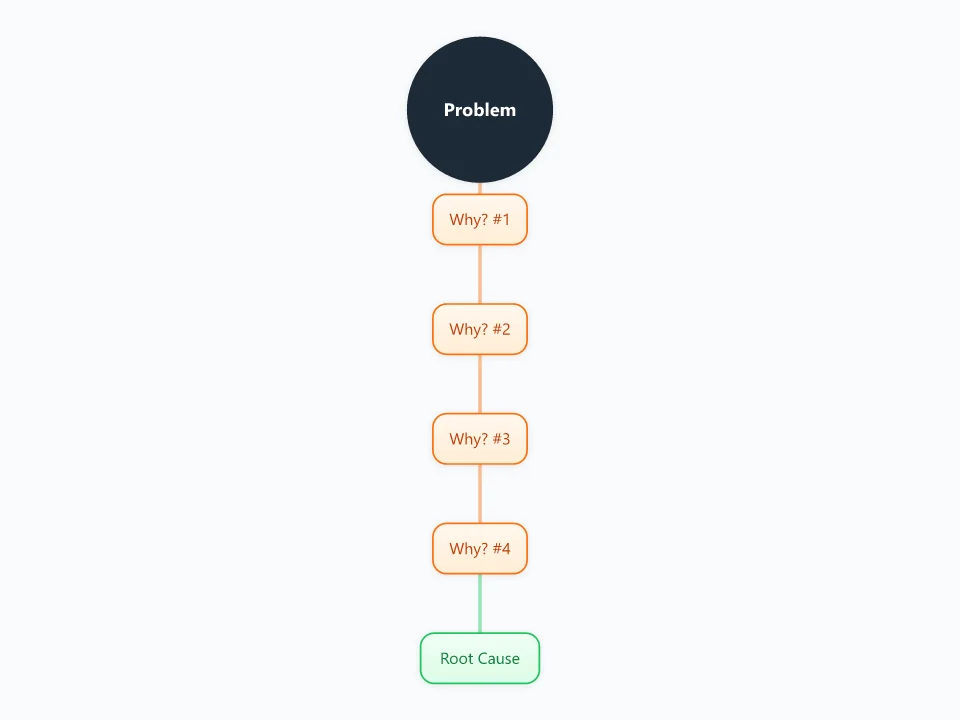
It opens as a new map with 6 topics already filled in. You don't need an account.
Open in the editorWhen to use a 5 Whys Root Cause
- After an incident or outage, as part of a blameless post-mortem
- A problem keeps coming back even though it was "fixed"
- A customer complaint needs a real answer, not a workaround
- Following up the most likely cause from a fishbone diagram
What goes in each branch
- Problem
- A clear, factual statement of what went wrong, when, and how often.
- Why? #1 to #4
- Each answer explains the node above it. Base it on evidence such as logs, observations or data, not assumptions.
- Root Cause
- The point where the answer is a process or system cause you can change. Add a child node with the countermeasure.
Example: Customer orders are shipping late
- Why? Parcels missed the courier pickup.
- Why? Packing started after 4 pm.
- Why? Orders were only printed once a day.
- Why? Exporting orders is a manual step done by one person.
- Root cause: no automated order export. Countermeasure: schedule exports every hour.
Tips
- Stop when you reach a cause you can act on. Sometimes that takes three whys, sometimes seven.
- Focus on processes, not people: "the checklist had no step for it" leads to a fix, "Sam forgot" does not.
- Branch the map when a why has several valid answers instead of forcing a single chain.
- Record the countermeasure and an owner under the root cause so the analysis leads to action.
Using this template in Neuron Mapping
- Click Open in the editor. The template opens as a new map.
- Select a topic and press Tab to add a branch under it, or double-click a topic to change its text.
- Select a topic to change its color and shape, or add notes to it in Markdown.
- When you're done, export the map as a PDF or PNG, or save it to keep editing later.
Everything runs locally in your browser: your map is saved on your device, works offline, and can be exported as PDF, PNG or an editable .nmm file.